
Finlegia : Audit Automation
Automate Schedule III and non-corporate financial statements, run 65+ audit exception reports — in minutes instead of days. Built for Chartered Accountants, by finance professionals.
Finlegia · Desktop
Local
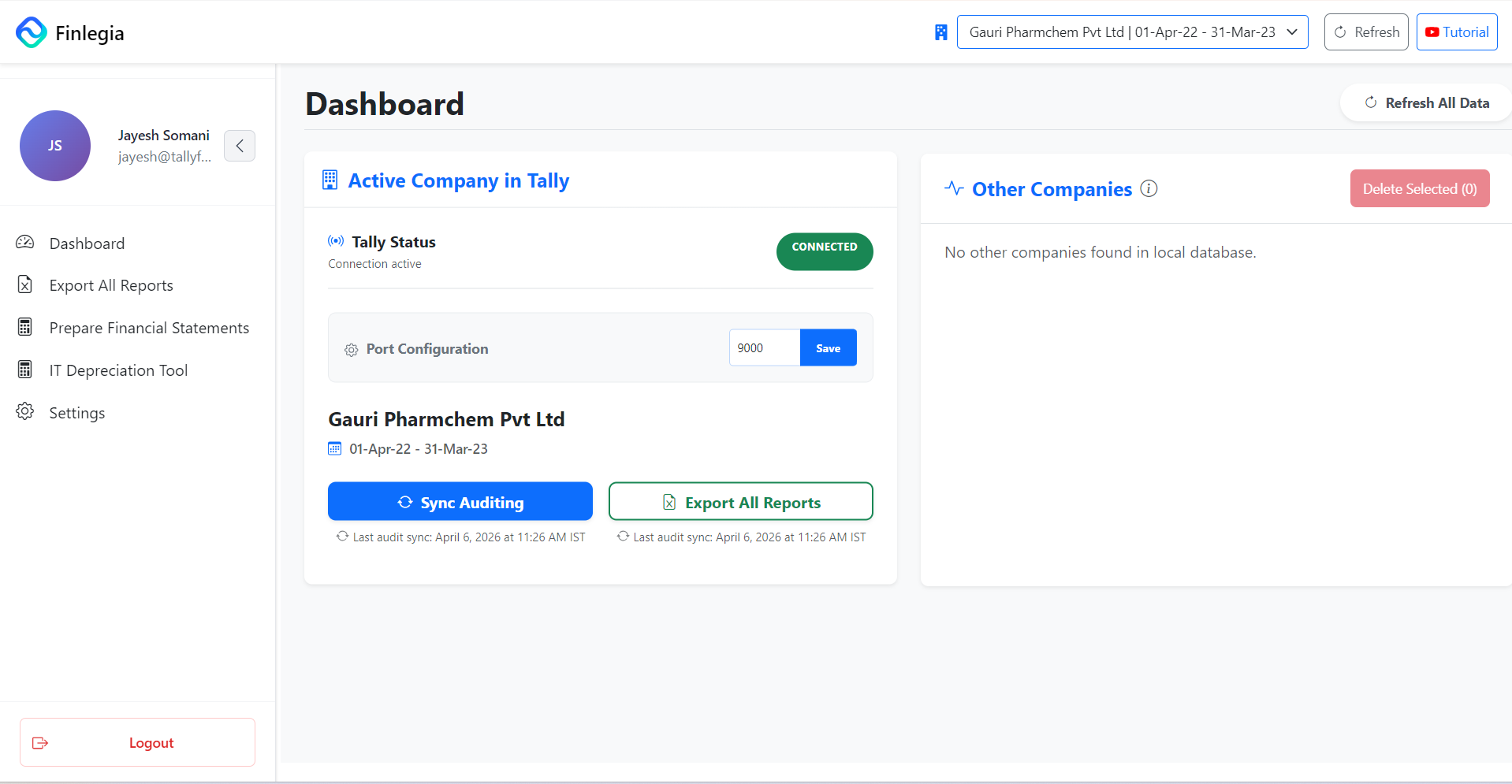
Export All Reports
65+ sheets → Excel on your PC
- Cash Payments Above 10,000
- Cash Receipts Above 2,00,000
- Payments 9000-9999
- Receipts 195000-200000
- Fixed Asset Purchases in Cash
- Investment Purchases in Cash
- Unsecured Loan Movement Review
- Unsecured Loan Other Vouchers
- Possible Loan/Advance Parties
- Related Party Transactions
- Related Party Txn Summary
- TDS Party Payment Review
- TDS Rent Monthly Review - 194I
- TDS Cash/Bank Payment Review
- TDS Manual Review Items
- TDS Payable Review - Section 40
- Section 43B Summary
- Section 43B Monthly Review
- Employee PF/ESI - 36(1)(va)
- MSME Payables 43B(h) Review
- Income Tax Depreciation Working
- Fixed Asset Purchase Register
- Opening Balance Mismatches
- P&L Comparative Variance
- Balance Sheet Variance
- Negative Cash Balance
- Negative Bank Balance
- Cash Used in Wrong Voucher Type
- Creditors Showing Debit Balance
- Debtors Showing Credit Balance
- Debtors via Non-Income Journals
- Creditors via Non-Expense Jrnls
- Payments Made to Debtors
- Receipts from Creditors
- Dormant Debtor/Creditor
- Parties With Purchases & Sales
- Liabilities Debit Balance
- Assets Showing Credit Balance
- Expenses Showing Credit Balance
- Income Ledgers Debit Balance
- Creditor Ageing
- Vendor Advance Ageing
- Debtor Ageing
- Debtors Credit Balance Ageing
- Loans and Advances Ageing
- Negative Stock
- Non-Moving Stock
- Slow-Moving Stock
- Fast-Moving Stock
- Expense - 12 month bifurcation
- Income - 12 month bifurcation
- Purchase - 12 month bifurcation
- Sales - 12 month bifurcation
- Expenses Paid Without Provision
- Credits in Expense Ledgers
- Debits in Income Ledgers
- Expenses by Party
- Parties by Expense Ledger
- Suspense Account Entries
- Transaction Range Ledgerwise
- Highest vs Second Highest Txn
- Unusual Journal Entries
- Ledgers With Balance No Txns
- Txn With Same Opening/Closing
- BS Ledgers Squared Off
- P&L Ledgers Squared Off
- Input GST in Revenue Ledgers
- Ledgers Missing GST or PAN
- Duplicate GST
Open a group to browse reports · Excel ZIP on your PC
Saved to your PC
Company books stay on this PC